Resources/Customer operations and CRM/Customer Service Automation: A Practical Guide
Customer Service Automation: A Practical Guide
A complete view of support automation, from the first message to resolution, escalation, records, and quality measurement.
Series
Part of our AI Automation for Small Business: The Practical Guideresource series.
Published
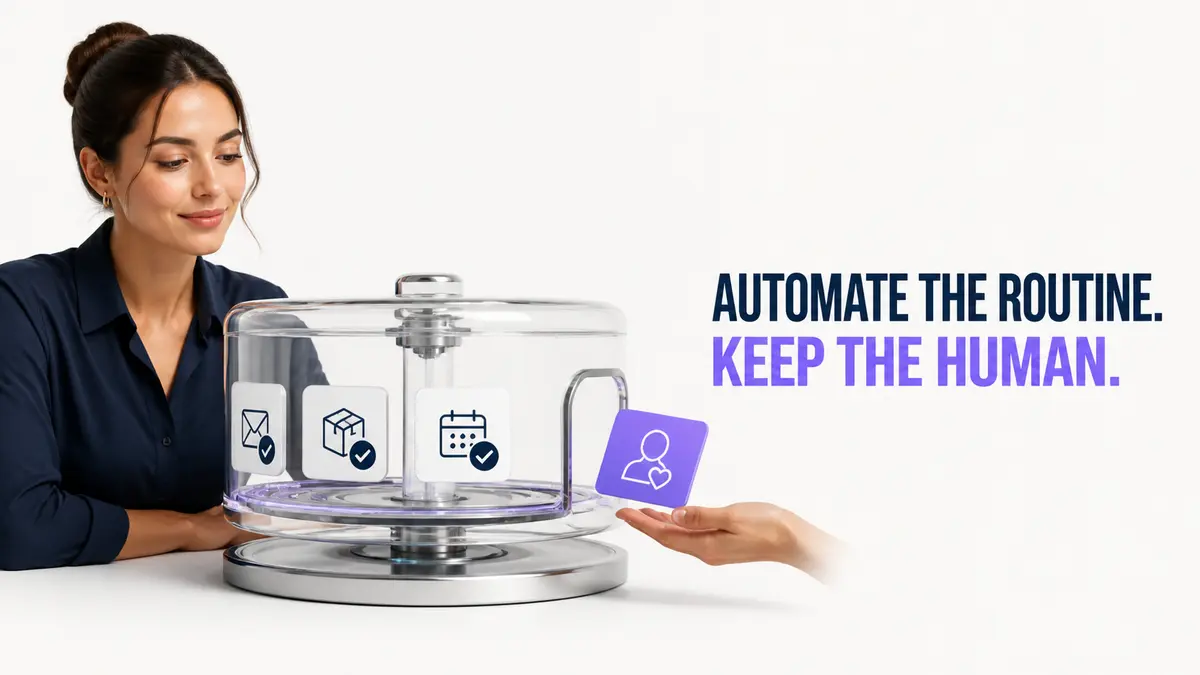
Customer service automation uses software to handle predictable support work and help human agents resolve the rest. It includes more than a chatbot: self-service content, intake, classification, routing, approved responses, status updates, CRM records, reminders, and escalation belong to the same service system. Treating the chatbot as the whole project is one of the most common mistakes: a well-written assistant sitting in front of a disconnected CRM and no escalation path just moves the same bottleneck one step earlier in the conversation.
What to automate first
Good first candidates share one trait: the correct answer or action rarely depends on judgment. That makes them safe to automate before the system has earned deeper trust.
What should remain human
The categories below share the opposite trait: getting them wrong has a real cost, and no amount of confidence scoring fully removes the need for a person to decide.
Design the path from message to resolution
| Layer | Purpose | Control |
|---|---|---|
| Entry | Chat, messaging, email, or form | Set expectations and collect consent |
| Understanding | Identify intent and useful details | Use confidence thresholds |
| Knowledge | Retrieve the approved answer | Limit sources and retain references |
| Action | Book, update, notify, or create a task | Restrict permissions |
| Escalation | Send the case to the right person | Define urgency and ownership |
| Measurement | Track resolution, handoff, delay, and quality | Review failures |
Knowledge quality matters more than model size
A fluent assistant cannot compensate for outdated policies or conflicting documents. Give the system approved information, identify who updates it, and define what happens when an answer is missing. In practice, most "the bot said something wrong" incidents trace back to a stale document or two conflicting versions of the same policy, not to the underlying model being incapable of finding the right answer.
Common failure patterns worth planning for
Measure the customer outcome
Go deeper on conversational design.
AI chatbot guideEstimate value from your own baseline.
Support automation ROIConnect support to a reliable customer record.
CRM automation guideBuild around approved information and workflows.
Chatbot developmentContinue exploring
Resource
AI Chatbots for Customer Service: Use Cases and Setup
How to design a chatbot that answers from approved information, performs useful actions, and hands difficult cases to people.
Read itResource
What's the ROI of Automating Customer Support?
A framework for sizing up the return before you commit, what actually drives ROI, what kills it, and how to estimate your own numbers.
Read itResource
CRM Automation 101: Connecting Your Tools Without the Manual Work
What CRM automation actually covers, why disconnected tools are the real underlying problem, and what a well-automated pipeline looks like end to end.
Read it