Resources/Tools and partner selection/Vibe Coding vs. n8n Workflows: Which Should You Use for Automation?
Vibe Coding vs. n8n Workflows: Which Should You Use for Automation?
For most non-technical teams, I recommend visual n8n workflows first. For a client-facing product or SaaS, a real application architecture is usually the better foundation.
Series
Part of our AI Automation for Small Business: The Practical Guideresource series.
Mohamed Amine Saada, Forteuno Web
Published
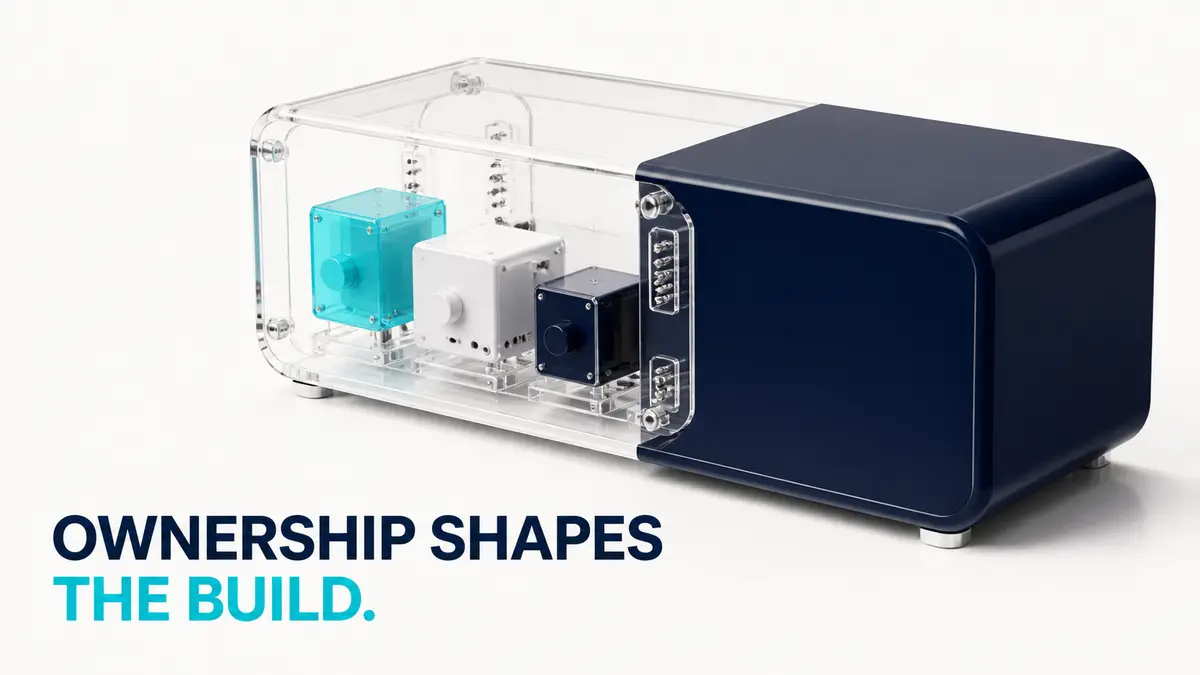
Vibe coding and n8n can both automate work, but they create different things. n8n creates visible workflows that move data and run actions across systems. Vibe coding creates software through AI-assisted development. The choice should depend on what you need to own and maintain six months from now, not which demo looks faster today.
Why I recommend n8n first for non-technical teams
For internal automation, n8n keeps the logic visible. A business owner or operations person can see the trigger, branches, API calls, data transformations, and failure path. They may still need technical help, but the system is easier to inspect than a generated codebase spread across an application, database, background jobs, and deployment environment.
Visual ownership compounds. Once you automate lead intake, you can reuse it as a sub-workflow inside onboarding, reporting, or follow-up. The team builds a library of parts it understands. That makes the next automation faster and gives maintenance a clear home.
Where n8n breaks down in practice
A full lead enrichment, qualification, nurturing, and generation pipeline made the ceiling obvious for me. It connected to Instantly and Apollo for emailing and lists, several Google Sheets, and a handful of other SaaS tools, all inside one n8n build. Past a certain number of integrations, the canvas stops being the visible, inspectable advantage it is for a simple workflow and turns into a genuine mess: too many credentials to manage, too many nodes to trace when one step fails, and debugging that gets slower rather than faster. That is exactly where I move to code instead of pushing the n8n build further. It does not mean n8n cannot handle it. n8n is scalable if you run it with dedicated workers. It means that past a certain integration count, code is usually the faster path to something maintainable.
When vibe coding is the better foundation
If customers will log in, manage accounts, expect a polished interface, use permissions, pay subscriptions, or depend on predictable product behavior, you are building software. A client portal, mobile app, marketplace, or SaaS needs application architecture, testing, deployments, data migrations, security review, and observability. Hiding the whole product inside a large automation canvas usually makes it harder to version and maintain. This is the other place n8n hits a real ceiling: the moment you want to sell a workflow as a multi-user product with its own frontend, n8n becomes limiting fast. Customization gets hard, and you still need to expose an API layer to connect the workflow to a front end. At that point, building directly in code is the better foundation.
Vibe coding can accelerate that build, especially for prototypes and well-tested components. It does not remove engineering. Generated code still needs ownership, tests, review, and a deployment process. If nobody understands the code after launch, the speed you gained in week one becomes maintenance debt later. In practice, Cursor and Claude Code are my main tools for this, and the same AI-assisted coding approach now also builds most of my n8n workflows directly: with the right reusable skills defined for it, it is faster than hand-assembling nodes and produces workflows that work reliably on the first pass far more often than it used to.
| Situation | Usually start with | Reason |
|---|---|---|
| Internal process across existing tools | n8n workflow | Visible logic and direct integrations |
| Reusable background business process | n8n sub-workflow | Easy composition across automations |
| Customer portal or SaaS | Application code | Product UI, permissions, testing, versioning |
| Prototype for user testing | Vibe coding with guardrails | Fast learning before deeper investment |
| Product plus background integrations | Hybrid | Application for the product, workflows for orchestration |
The hybrid answer is often the useful one
A SaaS can use a proper application for customer-facing behavior and n8n for internal notifications, CRM synchronization, document processing, and back-office jobs. Keep the product core in code. Keep replaceable orchestration in workflows. Define the boundary clearly so a failed workflow does not corrupt the product state.
Choose strategically, not tactically
Both approaches can fix the immediate issue. The better decision considers who will debug it, how often it will change, whether customers depend on it, and whether the work can be reused. I would rather choose a slightly slower first build that the team can operate than a fast build that becomes untouchable.
Compare n8n with two other popular visual automation platforms.
Zapier vs. Make vs. n8nPick the wider tool category from ownership and maintenance needs.
Automation tool guideContinue exploring
Resource
Zapier vs. Make vs. n8n for Small Business Automation
A fair comparison of three workflow builders based on who will own the system and what the process actually requires.
Read itResource
Best AI Workflow Automation Tools for Small Business
A practical tool guide organized by business fit, ownership, complexity, data control, and maintenance instead of a universal ranking.
Read itResource
Build for Quality First, Then Optimize AI Automation Cost
Trying to maximize quality and minimize cost at the same time makes debugging harder. I establish the best result first, freeze the benchmark, then make it cheaper.
Read it